
Securing your luggage is a top priority for any traveler. Anvil TSA-approved locks are designed to provide peace of mind while meeting global travel security standards. All Anvil locks arrive from the factory with a pre-set default combination of 000.
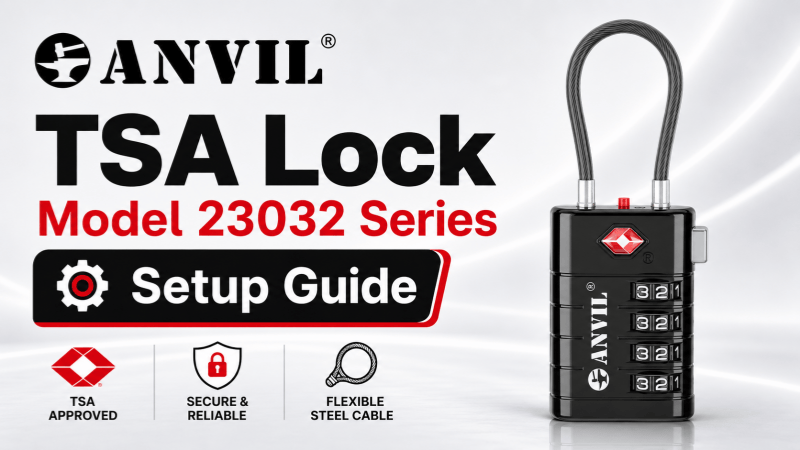
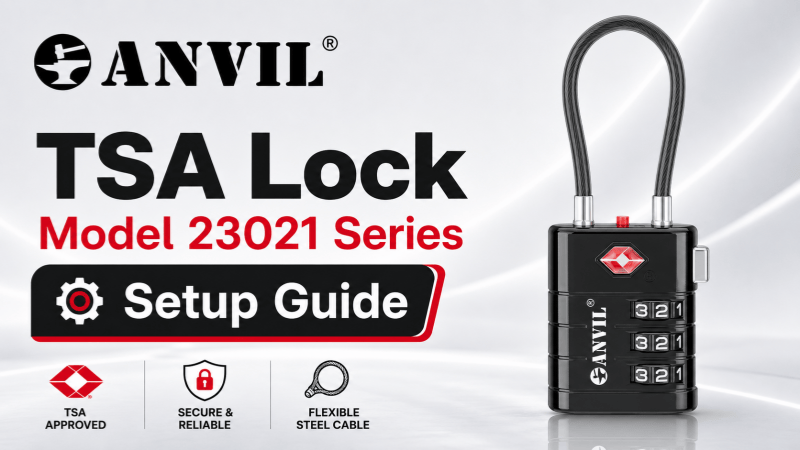
To customize your security, follow the specific instructions below for your lock model. Please note that according to our product specifications, the TSA23032 model utilizes the same TSA008 mechanism as the TSA23021, and therefore follows the same reset procedure.
Model TSA23021 & TSA23032 (TSA008 Series)
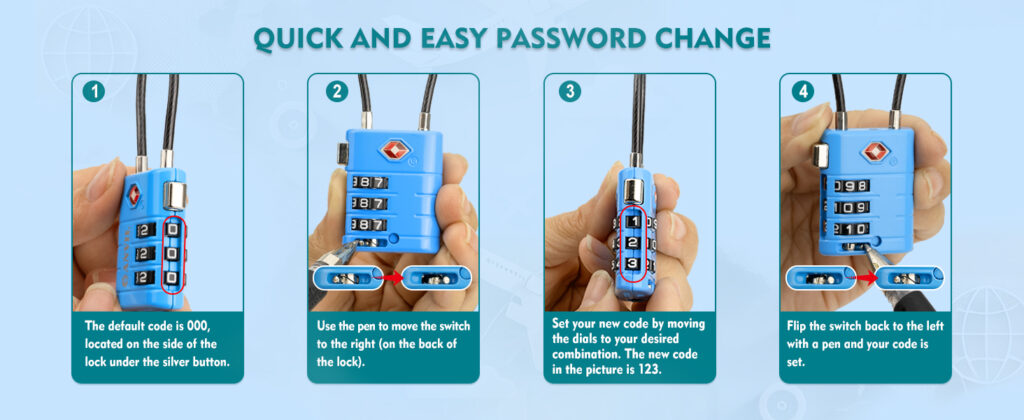
These models feature a convenient reset switch located on the back of the lock body.
- Enter the current code: Ensure the dials are set to the default 000 (located on the side under the silver button).
- Activate reset mode: Use a pen to move the reset switch to the right (found on the back of the lock).
- Set your new combination: Move the dials to your desired numbers.
- Confirm the setting: Flip the switch back to the left with a pen to lock in your new code.
Model TSA2A017
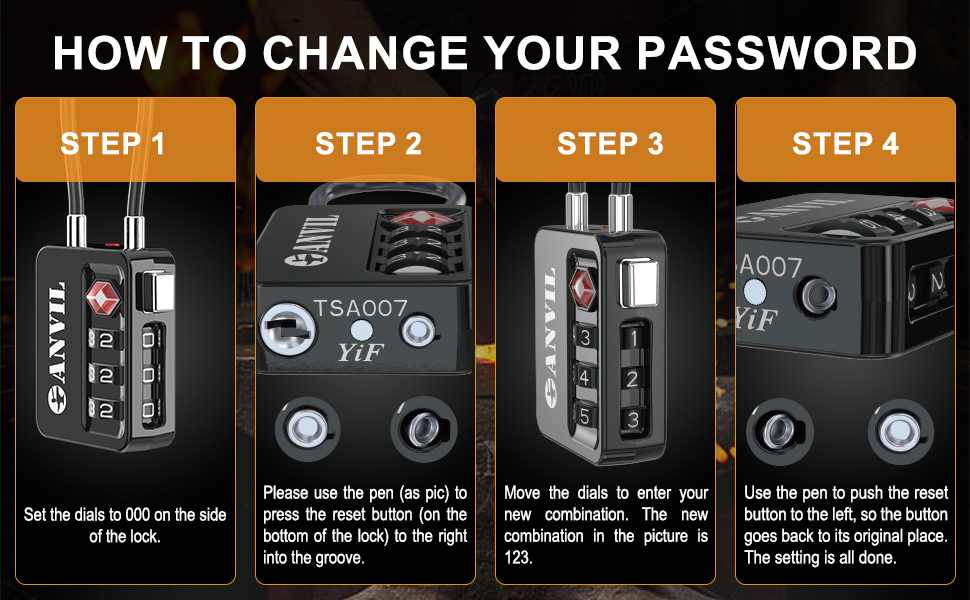
The TSA2A017 utilizes a button-based reset mechanism located at the base of the lock.
- Enter the current code: Set the side dials to 000.
- Engage the reset button: Use a pen to press the reset button on the bottom of the lock to the right into the groove.
- Enter your new code: Rotate the dials to your chosen combination.
- Complete the process: Use the pen to push the reset button back to the left until it returns to its original position.
Model TSAC106
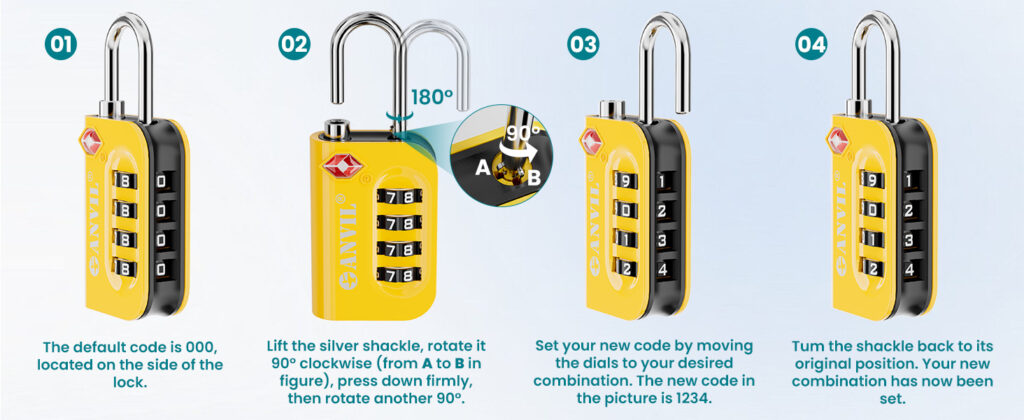
This classic shackle-style lock is reset through a specific rotation and depression sequence.
- Open the lock: Start with the dials at the default 000.
- Position the shackle: Lift the silver shackle and rotate it 90° clockwise.
- Engage reset: Press down firmly on the shackle and rotate it another 90°.
- Set and lock: Move the dials to your new combination, then turn the shackle back to its original position to complete the reset.
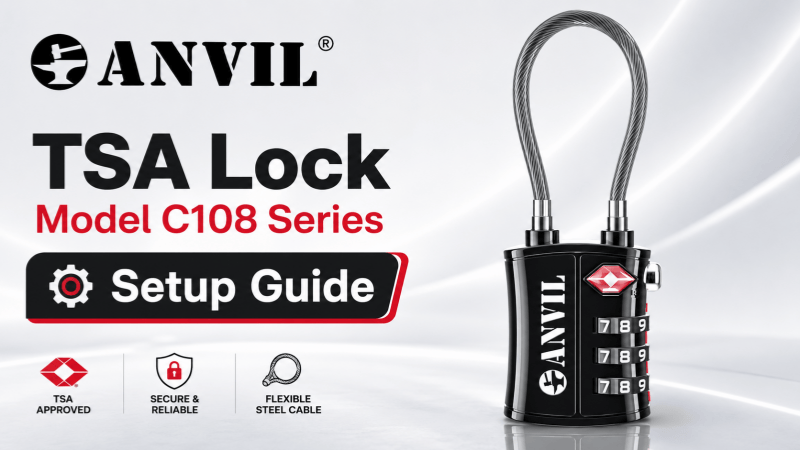
Model TSAC108
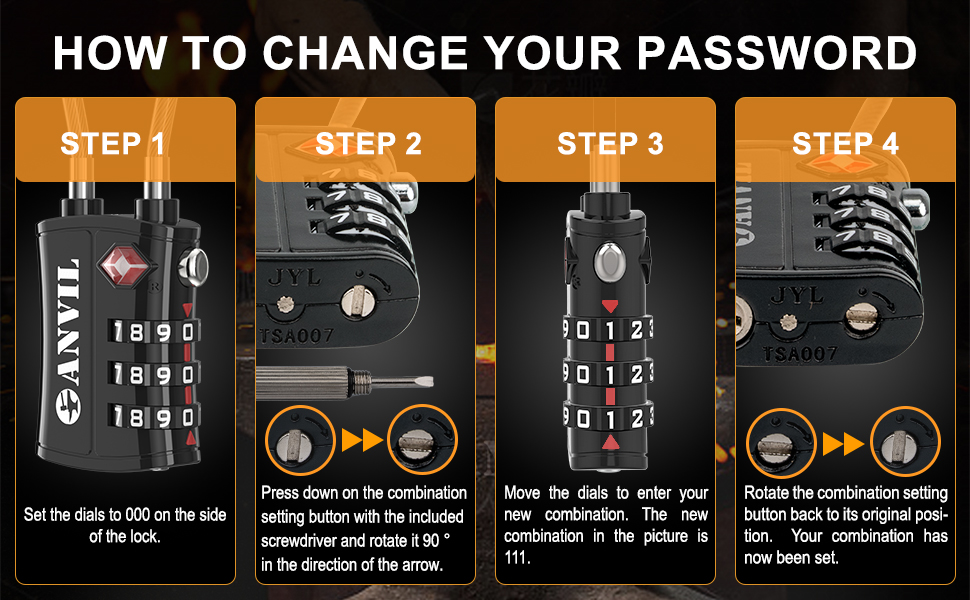
The TSAC108 features a secure rotation-style setting button on the side of the lock.
- Start at default: Set the dials to 000 on the side of the lock.
- Rotate the setting button: Use a small screwdriver to press down on the combination setting button and rotate it 90° in the direction of the arrow.
- Select your code: Move the dials to enter your new combination.
- Finalize: Rotate the setting button back to its original position to save your new code.
Important Travel Tip: After resetting your combination, we recommend testing the lock several times while it is open to ensure the new code is functioning correctly before you depart on your journey.